How to Standardize Mobile Device Diagnostics in a Busy Repair Shop

Updated October 2026: This guide has been revised from an earlier introduction to AdCentral Diagnostics. It now focuses on a repeatable device-testing workflow with Checkup.
A busy repair bench is rarely short on technical skill. What it often lacks is a repeatable way to confirm the condition of every phone. One technician checks the screen and battery; another focuses on the cameras; a third relies on what the customer reports. The result is inconsistent documentation and avoidable uncertainty.
A standardized diagnostic workflow replaces personal habits with a set of checks that can be repeated before repair, after repair and during used-device evaluation.
Start with a consistent device record
Before any test, confirm the device model and available identifiers. Record the station, operator and time of inspection. When available, collect battery, storage and relevant device information. Keep an explicit note when a field could not be retrieved; a missing result should never silently become a passing result.
For teams handling multiple units, consistent identification matters as much as testing. A useful report needs to tell the next technician which device was tested and when, not merely that a test was completed.
Combine connected and interactive diagnostics
Some checks can be performed while a supported phone is connected to a computer. Others require human interaction or a mobile application. A sensible routine separates the two:
- Connect the device through the Checkup Agent and review the information available for that model.
- Run the supported Instant Diagnostics checks.
- Complete the relevant mobile app tests for the display, camera, sound, sensors, controls and connectivity.
- Record failed, passed, skipped and unavailable checks accurately.
- Review the findings before deciding whether the unit is ready for repair, resale or further investigation.
Avoid promising that one automatic test covers every hardware component. Device capabilities and supported checks can vary by model and platform.
Make grading a separate decision
Functionality and appearance are related but different. A phone may pass functional testing while showing significant cosmetic wear. Conversely, a clean-looking handset may have a faulty microphone. Establish a written grading standard and keep the cosmetic decision alongside, not in place of, diagnostics.
Leave a report that the next person can use
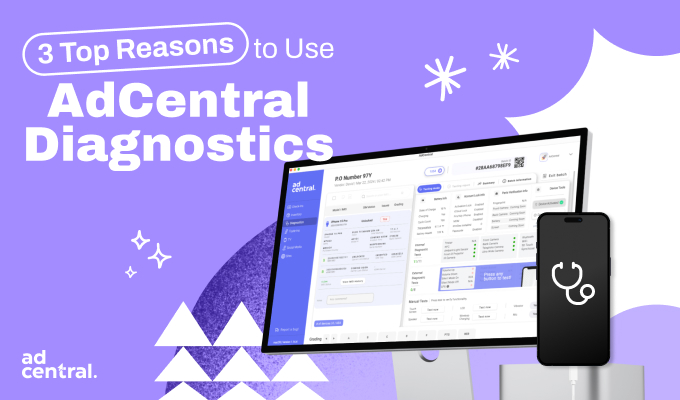
The inspection should end with a readable record. Checkup brings diagnostics, device information, grading, PDF reports and history into one workspace. This makes it easier for a second operator to understand the work already performed. It does not replace a repair shop's sales, invoicing or ticketing system.
A practical quality-control habit
Use the same core test groups for every supported model, then add any job-specific checks. For example, after a camera replacement, test the affected camera and complete a broader post-repair check before returning the device. Where an issue cannot be reproduced, record that limitation instead of treating the unit as flawless.
The purpose of standardized diagnostics is not to generate more clicks. It is to make a defensible decision about a device and communicate it clearly to the next person in the process.
Explore Checkup: Phone repair diagnostics software · Used phone testing software · Start for free.
Frequently asked questions
Can one workflow cover iOS and Android? The framework can be consistent, although the specific data and tests available vary by device and operating system.
Does Checkup replace a repair POS? No. Checkup focuses on diagnostics, grading, device information and related records; it is not a full repair-ticketing or point-of-sale suite.